| Support Category: Course Issue | Expired/Locked |
| Specialist Notes: |
Should a learner not complete his or her eLearning on the set expiration date, the course status goes 'Expired' and there’s a lock icon. The learner will not have access to it.
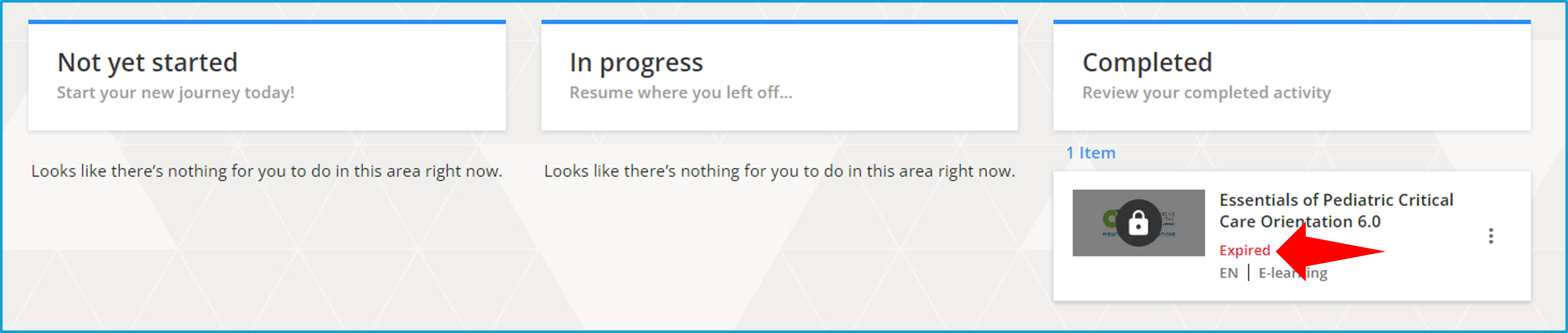
However, learners can request an extension to allow them to finish the training (whether the date has passed or is about to). For this request, you must create a ticket. This is not a course launch issue and does not mean that the course is inactive.
| Standard Response: |
I was able to confirm that your course's expiration date is [ENTER EXPIRATION DATE]. For further assistance with requesting an extension, please allow me a moment to open a ticket for you.
