| Support Category: LMS Navigation |
| Specialist Notes: |
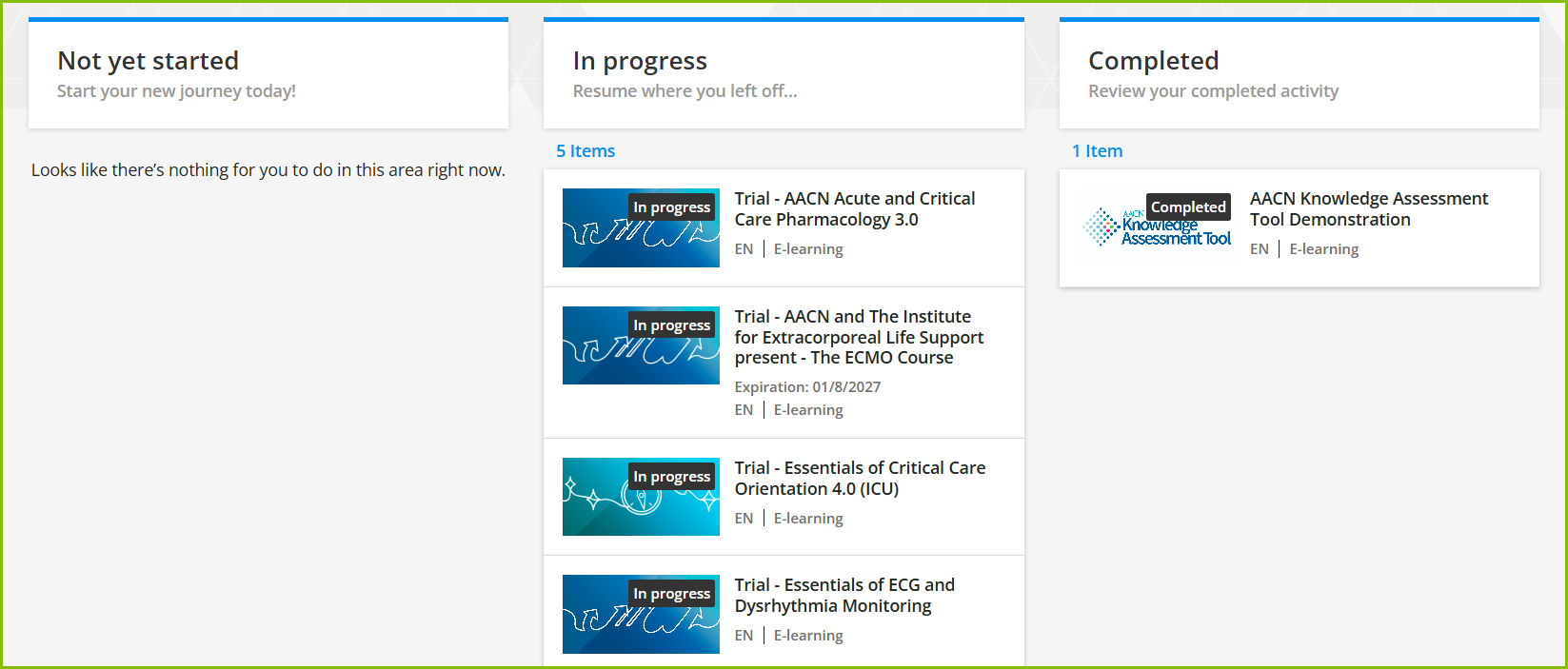
Courses assigned are available on the Learners Home dashboard, accessible through the USER MENU. On this dashboard, the course status tiles allow you to quickly see the status of any course(s) in which you are enrolled.
The three categories included are Not yet started, In progress, and Completed. Selecting a course under any of those tiles will take you directly to the course player/launch page.
| Standard Response: |
To locate your assigned courses, kindly scroll down to the bottom of the Learners Home dashboard. Select the tile of the course that you would like to start, continue, or review content from what's completed.