| Support Category: LMS Navigation |
| Specialist Notes: |
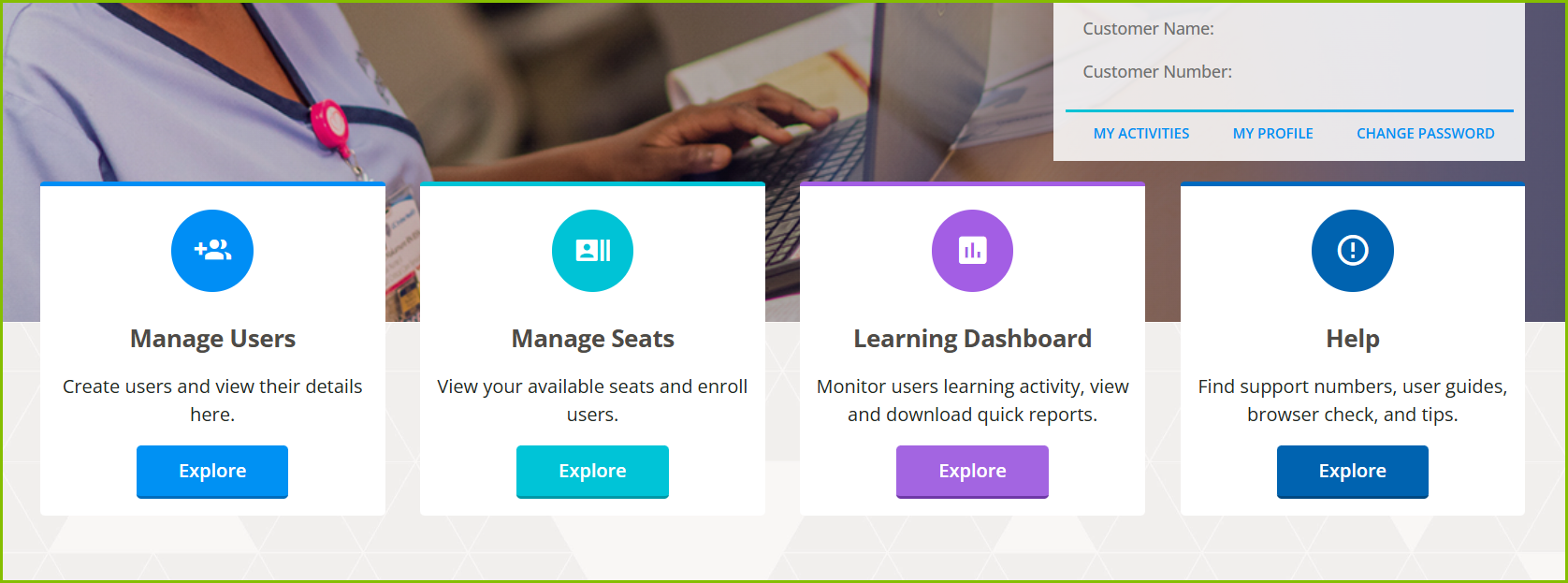
The manager's homepage contains resources and navigational tiles that allow you to quickly access manager-level tasks and personal information. Learners do not have access to these tiles.
1. Manage Users: where you can create, import, and manage users. You can also create a group and manage any groups that you created.
2. Manage Seats: where you can view available seats, enroll users, and view transaction/purchase history.
3. Learning Dashboard: where you can monitor and preview learner activities and course statistics. You can also filter data by date and download quick reports.
4. Help Tile: where you can find AACN customer and technical support contact information, user guides, and a browser check.
| Standard Response: |
To access your main dashboard, navigate to the USER MENU by selecting the cube icon in the top left corner. From the sidebar that appears, select Managers Home.
On your dashboard you will find the following tiles: Manage Users, Manage Seats, Learning Dashboard and Help.